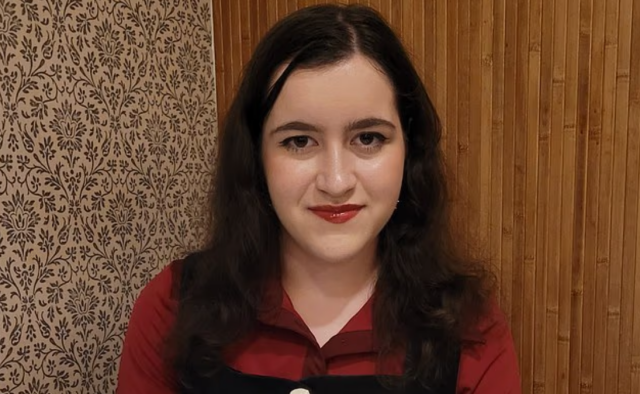


Ben Zhang created a custom macOS application using Claude artificial intelligence to locate his lost iPhone inside his office. He turned to the AI assistant after spending 30 minutes searching the room without success because Mobile Device Management security controls had disabled the Find My function on his device.
Zhang detailed the search on social network X under the username @un1c0rnioz on August 4, 2026. He stated that he had turned the office upside down before running out of ideas and asking Claude how to approach the search. The AI assistant suggested tracking the intensity of the Bluetooth signal emitted by the phone.
Following the instructions from Claude, Zhang generated the findphone application in about one minute. The mini application functions as a small radar on macOS by reading surrounding Bluetooth signal strength measured in decibels relative to one milliwatt, or dBm.
Bluetooth signal tracking
The program allows a user to walk around an office while watching the signal strength increase or decrease on screen as they move closer to or further from the lost device. The application also includes warning pings to help users locate any apparatus with Bluetooth activated in a short time.
The source noted that the case demonstrates how users without advanced programming skills can create ad-hoc tools tailored to specific needs in minutes. Rather than treating AI solely as a chatbot for information, Zhang used it to build an immediate technical solution.
Software limitations and recovery
The findphone application operates with specific limitations. It cannot connect directly to the remote device or make the phone emit a sound, and it requires the missing device to have Bluetooth enabled prior to being lost. Despite those constraints, the tool provided sufficient signal data for Zhang to recover his missing iPhone.