


A default Google setting on Android smartphones is quietly draining battery life and causing devices to overheat, according to a technology expert.
Battery consumption and excessive heating are two of the biggest concerns for mobile phone users in Spain. The warnings come from the popular TikTok channel El Poder Del Androide Verde, which analyses mobile performance. Android is the operating system developed by Google that runs on most of the world's smartphones.

People often blame screen brightness, GPS tracking or having too many open applications for power loss. However, the channel creator said the true cause is what he called a parasitic process that Google keeps active around the clock to track user habits. He said the process is much worse than traditional malware because it comes preinstalled on the system rather than being a virus downloaded by the user.
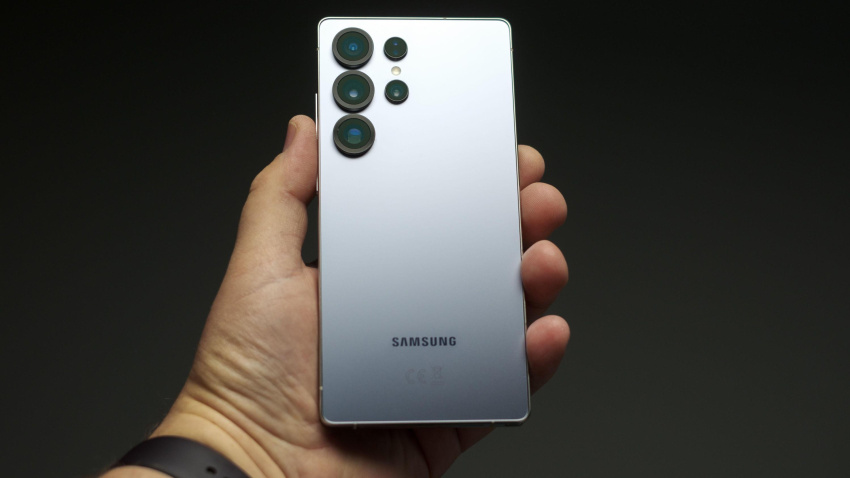
The phone continues to work actively overnight, analysing habits and sending telemetry to external servers. The expert said this drains processor cycles and uses up battery life, which explains why device performance can degrade quickly.
The primary cause of the power drain is a local machine learning process that scans user habits. The video explained that while people might assume this improves their experience, the technical reality is real time user profiling that spies on them without their knowledge.
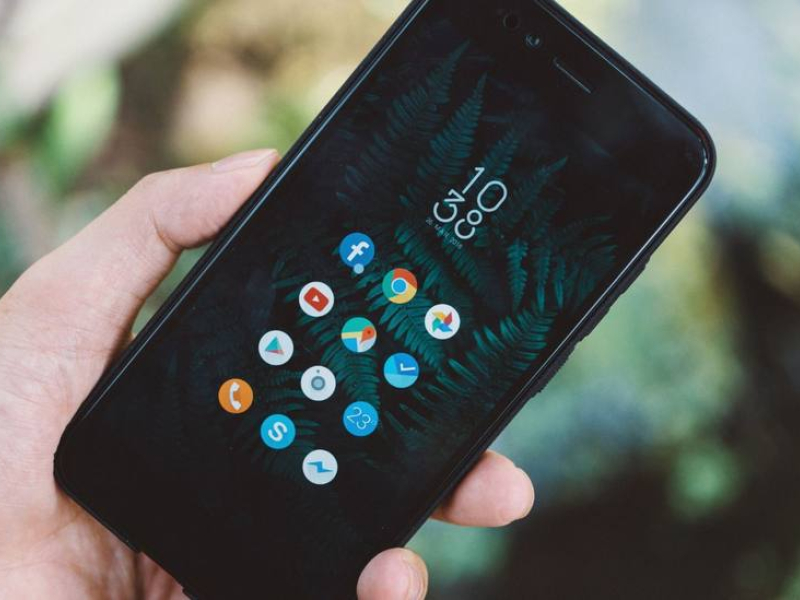
Hidden background processes
Android users can disable the tracking by opening their phone settings, navigating to the Google section and selecting all services.
From there, users should tap the option to personalise using shared data. The menu allows Google applications to use information stored on the device.
The expert recommended turning off all the active switches in this list. He also advised checking the menu regularly, as installing a new application can cause all the settings to reactivate.

Stopping targeted advertisements
Targeted advertising is another major factor in phones overheating. Google assigns a unique alphanumeric code to each device to record web activity.
The channel creator said removing this code breaks the communication link between the operating system and marketing companies. He said users will notice their phone stays cooler while browsing because the constant background auctioning of advertisements has stopped.
To turn off the tracker, users should return to the Google services section, open the privacy and security menu and select ads. They can then turn off the options for allowed ad themes or suggested ads before deleting the advertising identifier.
Usage and diagnostics telemetry
The final setting to change is the hidden telemetry that sends constant performance reports. While this officially helps Google improve Android, the video stated it is actually a constant flow of outgoing data that consumes mobile data allowances and battery life.
With the function turned on, the phone sends error and usage information every few minutes.
The expert rejected official claims that the data collection optimises battery life. He said keeping the option turned on simply sends data to third parties like Google and drains power.
Users can stop the process by searching for usage in their general settings and turning off the usage and diagnostics option.
The author said turning off these four pillars turns an Android phone into a fortress. He concluded that users will see their battery last all day with 15 to 20 percent extra power left over, while also taking back their privacy.