

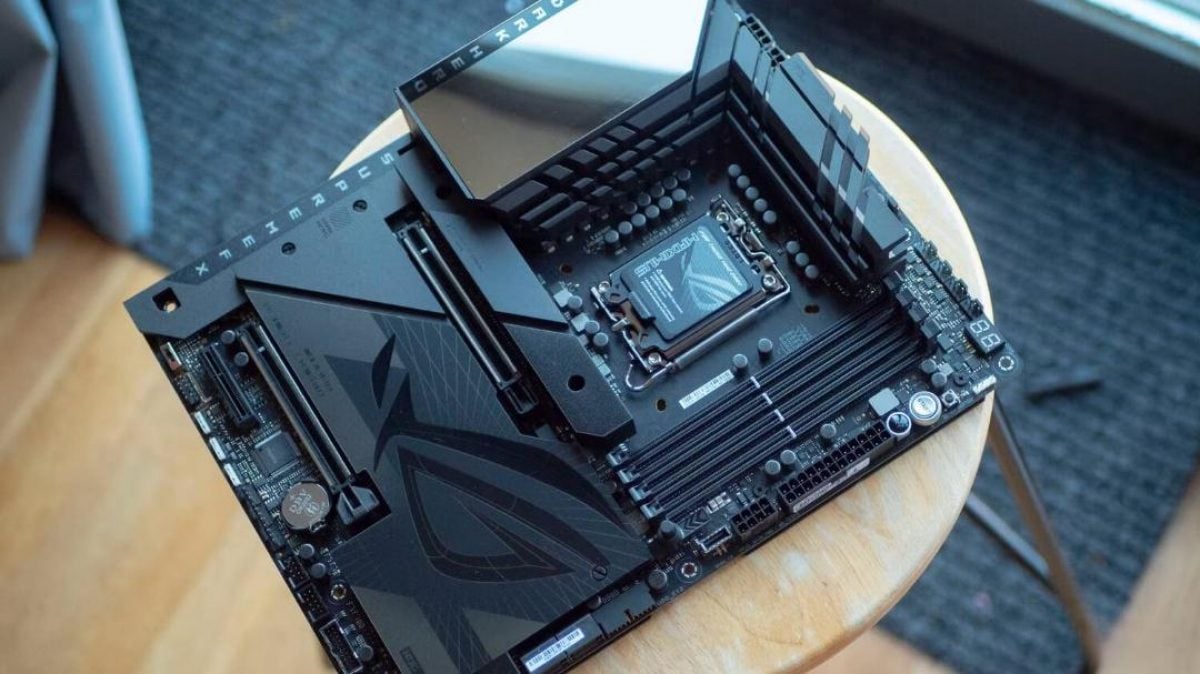
Hardware experts at XDA Developers have identified internal USB 2.0 headers as the most useful neglected connector on modern computer motherboards.
Although considered an outdated standard by modern computing benchmarks, the internal connector supplies both 5-volt power and data bandwidth capable of expanding desktop functionality without cluttering external ports.
Most standard ATX and micro-ATX motherboards feature between 18 and 20 internal headers, but even experienced PC builders typically use only six or seven during a standard build. Users who choose air cooling over liquid cooling loops or opt out of RGB lighting leave even more of these internal connections unused.
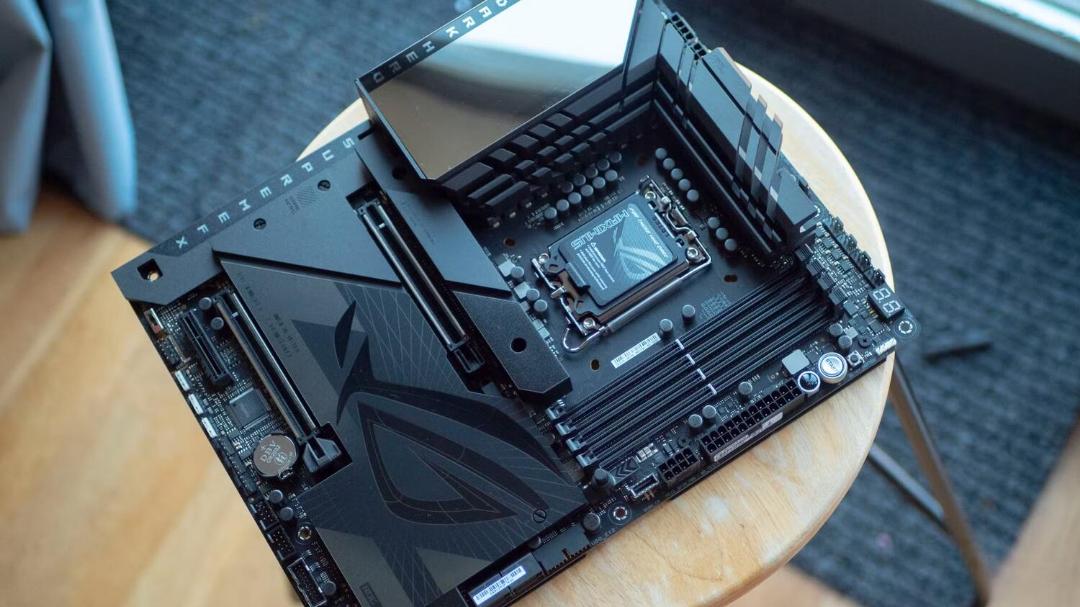
Internal USB 2.0 headers are usually located along the bottom edge of standard motherboard layouts. Depending on the specific motherboard model, boards carry one, two, or three of these internal connections.
The connector uses a 9-pin layout arranged in two rows, featuring five pins in one row and four in the other. The missing tenth pin serves as a physical key to prevent users from plugging internal cables in upside down.
A key advantage of the header is its ability to deliver 5-volt electrical power while simultaneously transferring data at speeds of up to 480 megabits per second. Connected components do not require a separate cable to the main power supply unit because energy and software communication travel through a single line.
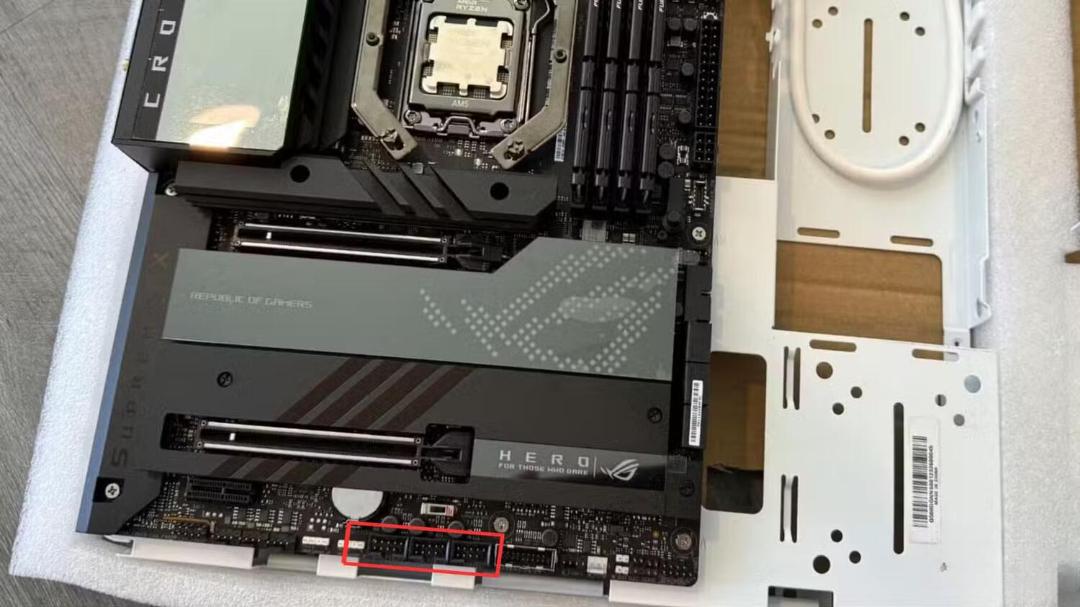
Major motherboard manufacturers have acknowledged the ongoing utility of the standard. Certain new ASUS motherboards now feature three internal USB 2.0 headers instead of the traditional two.
Hardware options for internal USB headers
Owners of liquid cooling systems represent the primary user base for internal USB 2.0 connections. When an all-in-one liquid cooler includes a built-in display screen, the header supplies electrical power while transmitting telemetry data such as processor temperatures.
A similar arrangement applies to RGB lighting controllers and fan hubs made by manufacturers such as Corsair, Lian Li, and NZXT. The internal USB link allows these hubs to communicate with desktop configuration software to manage fan speeds and lighting effects.
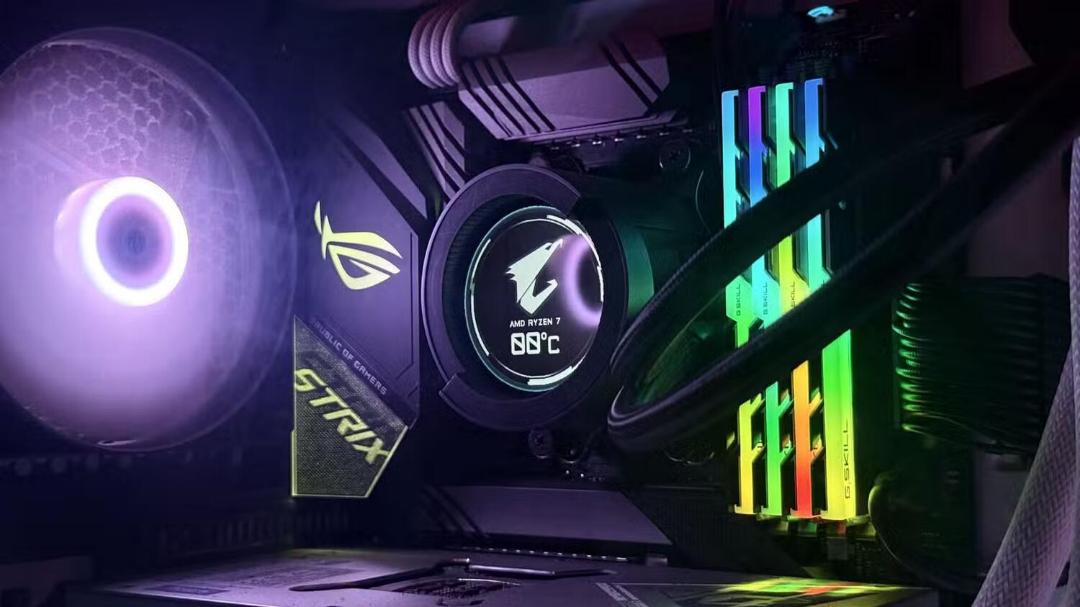
Beyond cooling hardware, internal USB 2.0 ports can power Bluetooth adapters, system monitoring panels, standalone lighting controllers, and internal expansion hubs that provide extra USB headers. These internal connections are especially valuable in Small Form Factor cases, where excess wiring hinders clean cable organization.
Powering secondary displays and internal screens
One application for internal USB 2.0 headers is powering small auxiliary screens inside the computer case. For example, an 8.8-inch display from Lian Li can function as a system telemetry monitor or as a secondary desktop monitor.
Users can move secondary applications to the small screen, such as background YouTube video playback or media player controls, freeing up primary screen space. The screen draws approximately 3.8 watts of power and operates at a resolution of 1920x480 pixels, which fits well within the 480 Mbps bandwidth limit of USB 2.0.
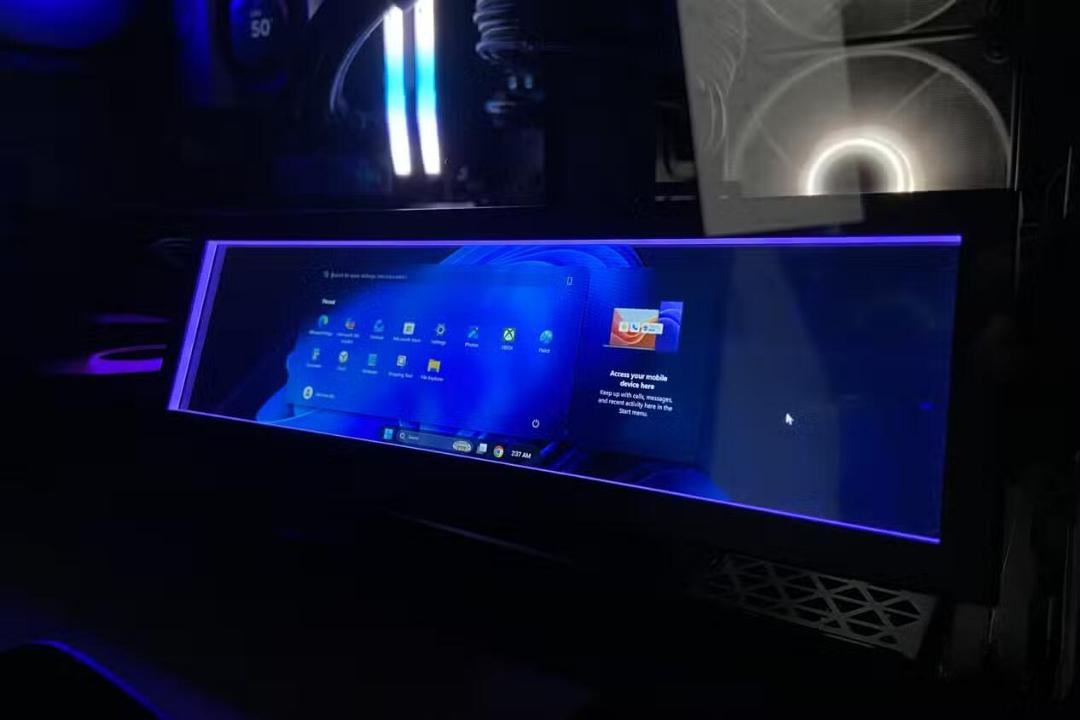
While USB 2.0 is not the fastest interface on a modern motherboard, its combination of power delivery and data transfer in a compact footprint remains its primary strength. Using internal headers preserves external USB ports on the rear I/O panel for external peripherals.
XDA Developers advised PC builders to consider internal USB 2.0 header counts when selecting a motherboard, particularly if they plan to install water cooling setups or internal display panels.
Recent hardware trends and graphics card rankings
Separate hardware data from a July 2026 Steam survey showed that the Nvidia GeForce GTX 3060 remained the most popular graphics card among surveyed PC gamers. Nvidia RTX 50 series graphics cards are gradually gaining market share, while configurations with 16 gigabytes of video memory are also becoming more widespread.
Hardware evaluations for 2026 also highlighted options for budget-conscious builders, noting that several viable graphics card models can be found on the secondary market for under $150.